Redeem Roblox Codes
Gift card, virtual item, or promo code
Roblox
Roblox is a 3D creation platform that lets people build, publish, and play interactive experiences. Roblox describes its platform as providing tools for users to build, test, distribute, and monetize creations.
Unlike a traditional game that has one fixed world, Roblox contains a huge collection of user-created experiences.
Players can:
- Play games and interactive experiences
- Create their own games
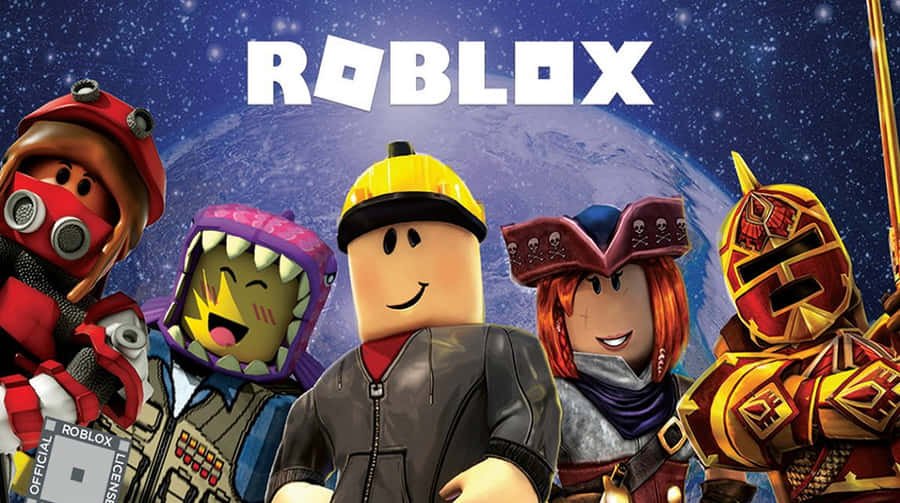
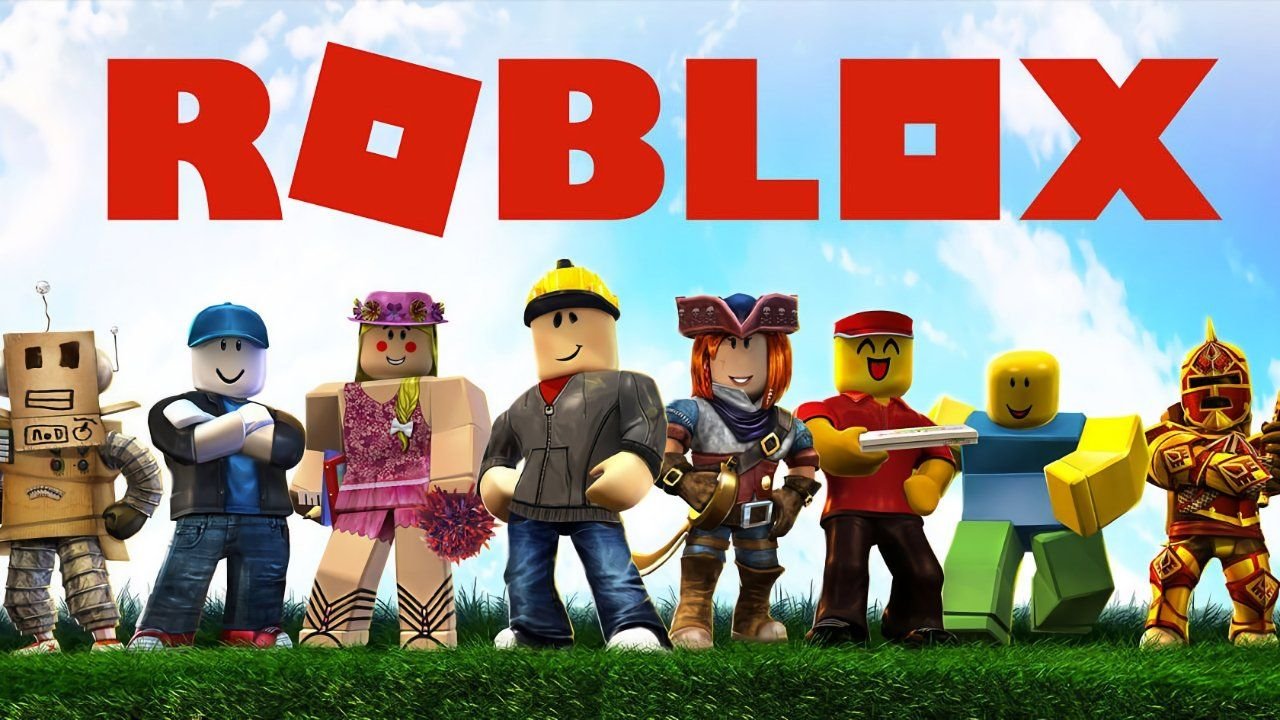
- Customize their avatars
- Explore different virtual worlds
- Play with friends
- Purchase virtual items
- Use Robux
- Build experiences with Roblox Studio
- Create and sell avatar items
Roblox also provides tools for creators through Roblox Studio, allowing developers to build 3D experiences and publish them to the platform.
Roblox Is More Than Gaming
One of the most interesting things about Roblox is its creator ecosystem. Users aren’t limited to playing games created by Roblox Corporation. A large portion of the platform’s experiences are created by members of the Roblox community using Roblox Studio.
This means the Roblox experience is constantly changing.
Roblox Download: How to Download Roblox
If you want to play Roblox, you generally need the Roblox application appropriate for your device, or you can access Roblox through supported web functionality.
Roblox is available across several platforms, including computers, mobile devices and consoles.
Roblox on Windows
For a Windows PC:
- Visit the official Roblox website.
- Sign in or create a Roblox account.
- Choose an experience you want to play.
- Follow the instructions to install or launch Roblox.
- Open the Roblox application and start playing.
Always download Roblox from an official Roblox source or an official app store. Avoid websites offering modified Roblox installers or unofficial downloads.
Roblox on Mac
Mac users can also access Roblox through the official Roblox website and follow the installation instructions provided for their device.
Roblox on Android
Android users should use the official Google Play Store listing rather than downloading APK files from unknown websites.
Third-party APK websites can potentially distribute modified or unsafe software.
Roblox on iPhone and iPad
iPhone and iPad users can download Roblox through Apple’s App Store.
Roblox on Xbox and PlayStation
Roblox is also available on supported gaming consoles. The exact features and availability can vary by platform.
Roblox Games: What Can You Play?
One of Roblox’s biggest attractions is its enormous variety of games and experiences.
Roblox officially refers to these interactive creations as experiences.
You can find experiences covering almost every genre.
Popular Types of Roblox Games
1. Role-Playing Games
Role-playing experiences allow players to create characters and participate in virtual social environments.
Players can:
- Design their avatars
- Explore virtual cities
- Interact with other players
- Create stories
- Participate in jobs and activities
Roblox has dedicated charts for trending roleplay and avatar-simulation experiences.
2. Adventure Games
Adventure experiences focus on exploration, missions, challenges, battles, and discovering new areas.
3. Simulator Games
Simulator-style experiences are another major category. Players may collect resources, upgrade characters, build virtual businesses, train characters, or complete repetitive challenges.
4. Obby Games
“Obby” generally refers to obstacle-course experiences.
These games challenge players to:
- Jump between platforms
- Avoid obstacles
- Reach checkpoints
- Complete increasingly difficult levels
5. Horror Games
Roblox also has many horror-themed experiences featuring puzzles, monsters, survival mechanics and scary environments.
6. Competitive Games
Competitive experiences can include fighting, racing, sports, strategy and team-based gameplay.
For example, Roblox’s official RIVALS experience describes itself as a first-person shooter featuring 1v1 through 5v5 matches.
Roblox Avatars
Your Roblox avatar represents you across the platform.
Roblox says avatars are customizable 3D characters that persist across Roblox experiences. Players can customize their appearance with clothing, accessories, animations and other items.
The Marketplace allows users to find avatar-related items such as:
- Clothing
- Accessories
- Body parts
- Heads
- Animations
- Other cosmetic items
This makes avatar customization a major part of the Roblox experience.
Roblox Redeem: How to Redeem a Roblox Code
One of the most frequently searched Roblox topics is Roblox redeem.
If you have a Roblox gift card or eligible promotional code, you can redeem it through Roblox’s official redemption page.
What Is www.roblox.com/redeem?
The official Roblox redemption page is:
www.roblox.com/redeem
Roblox’s official support instructions say that users can navigate to Roblox.com/redeem, log in, enter their code and select Redeem.
Steps to Redeem a Roblox Gift Card
- Open a web browser.
- Go to www.roblox.com/redeem.
- Sign in to your Roblox account.
- Enter your gift card or promotional code.
- Click Redeem.
- Wait for the confirmation message.
- Check your account for the resulting credit, Robux or virtual item.
The result depends on the type of code being redeemed.
What If a Roblox Code Doesn’t Work?
If your code doesn’t work, check:
- Whether you entered the code correctly
- Whether you’re signed into the correct Roblox account
- Whether the code has expired
- Whether the code has already been redeemed
- Whether the code is valid for the type of redemption you’re attempting
Roblox notes that promotional codes may expire or only remain active for a limited period.
Roblox Customer Service: How to Get Help
If you have a problem with your Roblox account, payment, gift card, Robux, login or technical issue, you can contact Roblox Customer Service through the official Roblox Support system.
Roblox Customer Service & Support
Roblox Support includes categories covering:
- Account problems
- Payments
- Gift cards
- Subscriptions
- Robux
- Safety and moderation
- Technical problems
- Mobile issues
- PlayStation
- Xbox
- Playing on Roblox
- Creating experiences
- Avatar problems
How to Contact Roblox Support
Start with the official Roblox Support page and choose the category that matches your problem.
If you need to submit a support request, Roblox also provides an official request form.
Forgot Your Roblox Password?
If you’ve forgotten your password, Roblox provides an account recovery process.
You can use the email address or phone number associated with your account to begin the recovery process.
For security, never give your Roblox password to another person claiming they can recover your account.
Is Roblox Getting Shut Down?
This is one of the most common questions searched online:
“Is Roblox getting shut down?”
The short answer is: There is currently no indication that Roblox is being permanently shut down.
Roblox’s official status page currently reports its major services as operational, including the website, mobile applications, games, avatar services and creator services.
Therefore, temporary problems, outages, maintenance or individual game issues should not automatically be interpreted as Roblox shutting down.
Why Do People Think Roblox Is Shutting Down?
Shutdown rumors can spread quickly through:
- TikTok videos
- YouTube videos
- Social media posts
- Fake screenshots
- Clickbait websites
- Misleading thumbnails
- Prank posts
- Old news being reposted
A temporary outage can also cause people to assume the entire platform is being discontinued.
But an outage is not the same thing as a permanent shutdown.